Horizon ERP Tutorial
Horizon ERP 2013 Server Installation Process
Download Horizon ERP Setup:
Note:- Perform the steps in the Pre-Installation Guide before going ahead
Installing Downloaded Setup files:
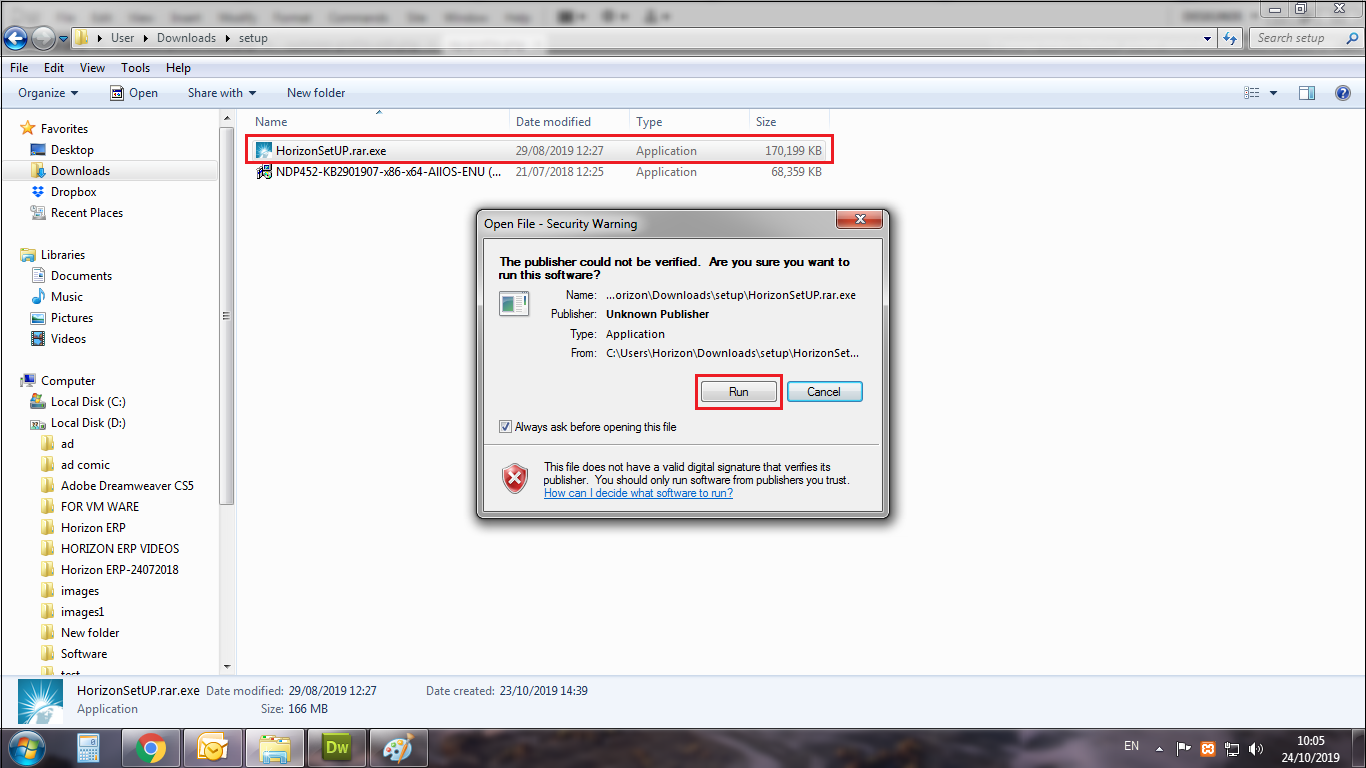
- Step 1: Run Horizon ERP Setup file
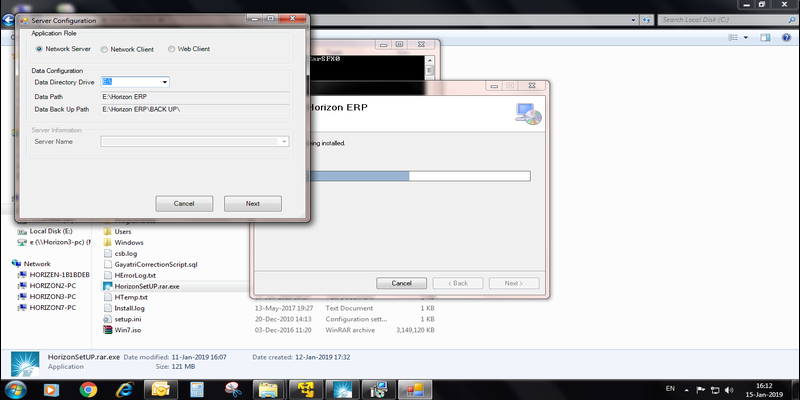
- Step 2: Run Horizon ERP Setup file → Next → Next → Notice the installation path → Next → Select Network Server → Select data directory drive (backup drive) → next → Close.
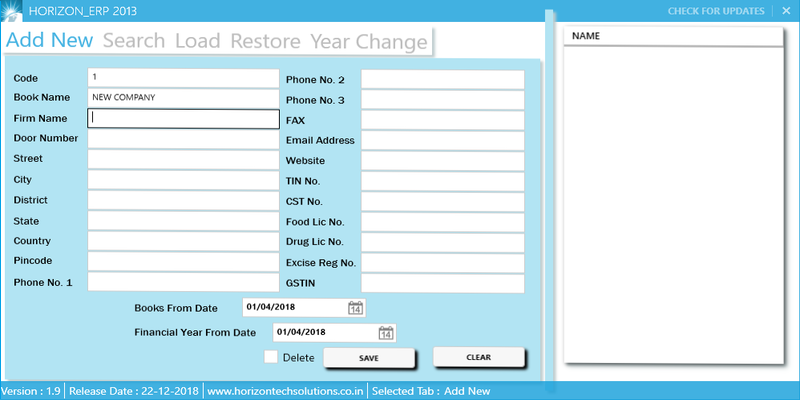
- Step 3: Add Company details displayed → save